



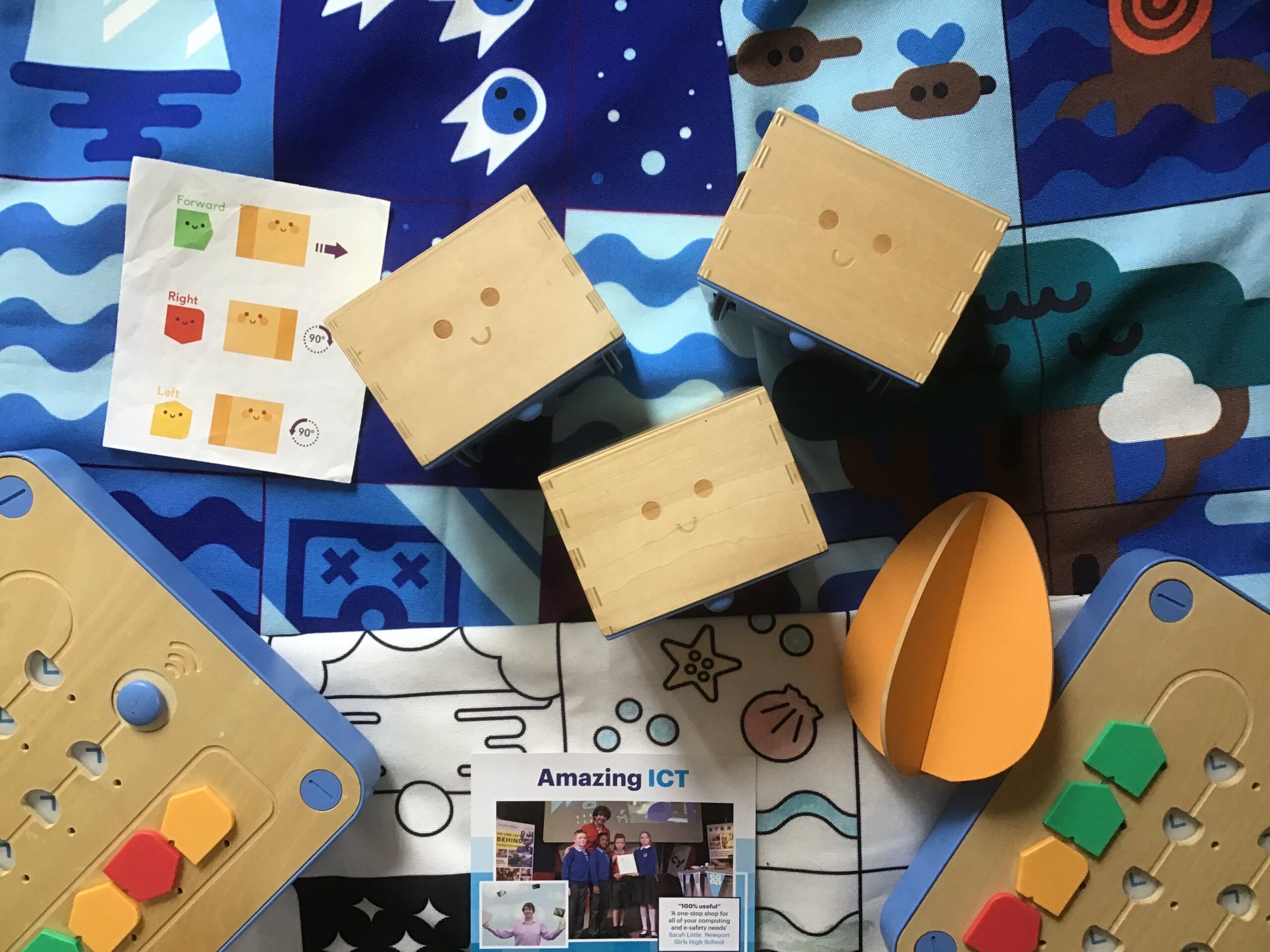
Cubetto
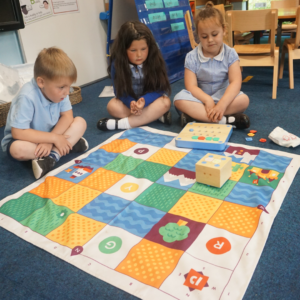
Cubetto is a cube robot that comes with a mat. Pupils use the tiles to the program the cubetto around the map.
mTiny
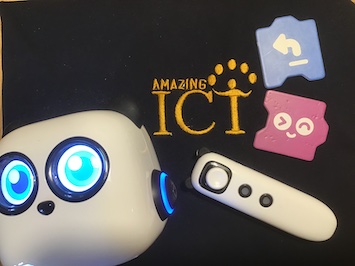
Can be controlled with ‘zapper’ to develop motor skills. Comes with coding cards which the zapper scans to create programs.
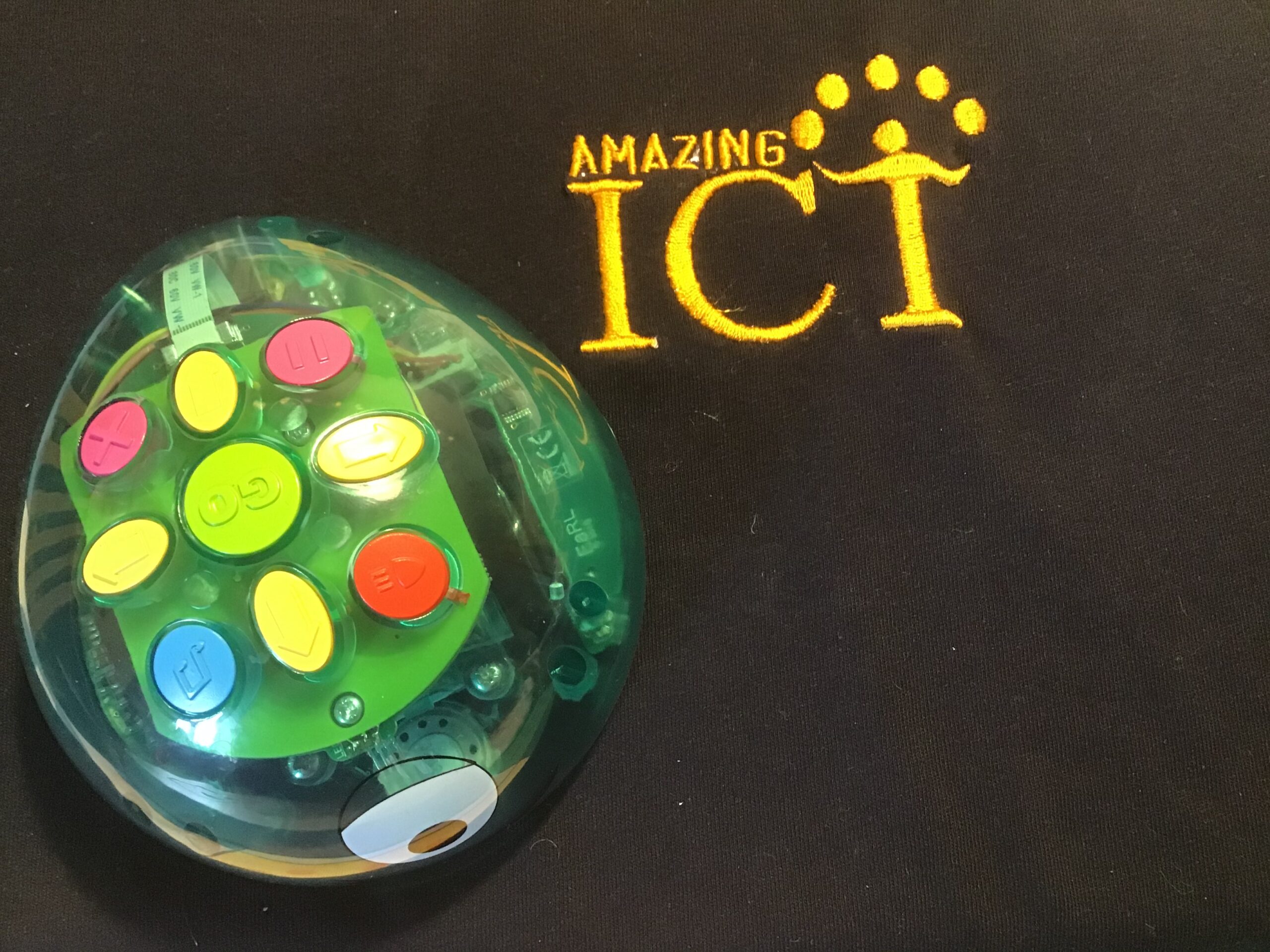
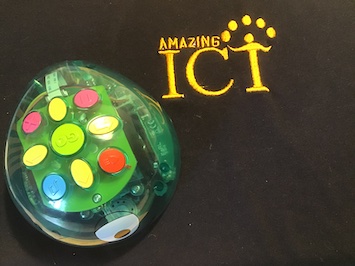
BlueBot
Programmable buttons on top of the device. Interacts with other Blue-bots. Can record audio to play back when buttons pressed. Clear shell to see components inside.
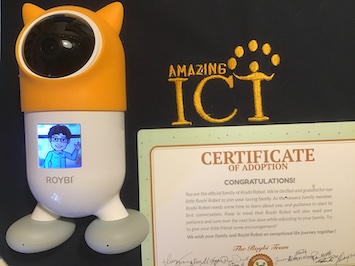
Roybi
Three buttons on charging base to play song, story or lesson. Connects to phone via wifi to allow lessons to be set (doesn’t work well with iPad app at the moment)

Code-a-pillar
Segments come off for children to program for desired routes.
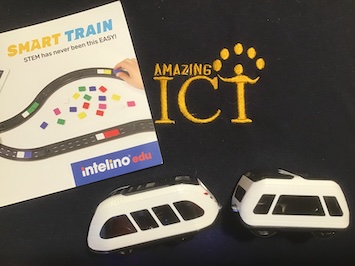
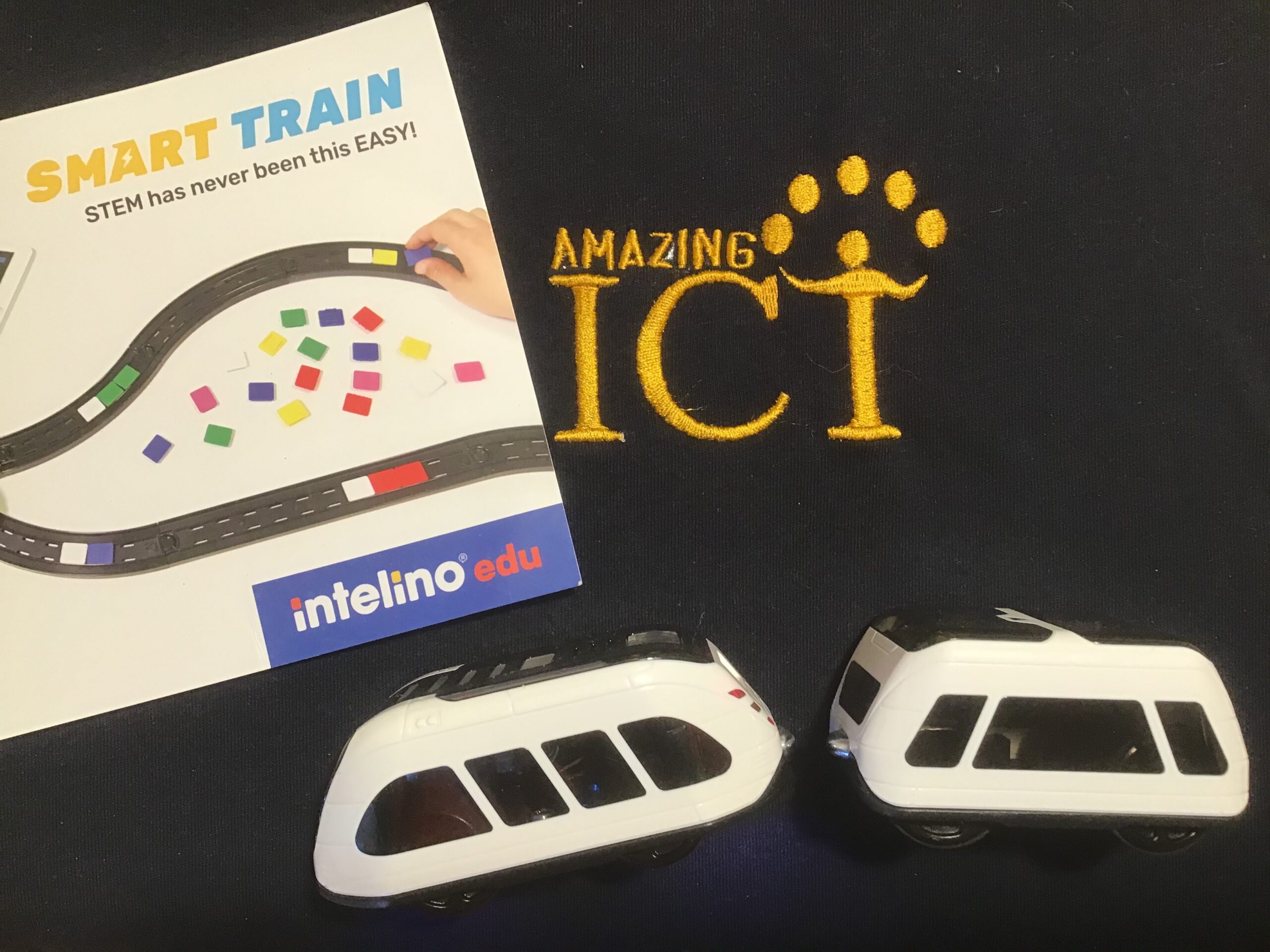
Intellino
Works with brio track. Train can be programmed screen free with coloured action snaps. Can be linked to Scratch with custom blocks to use in KS2.
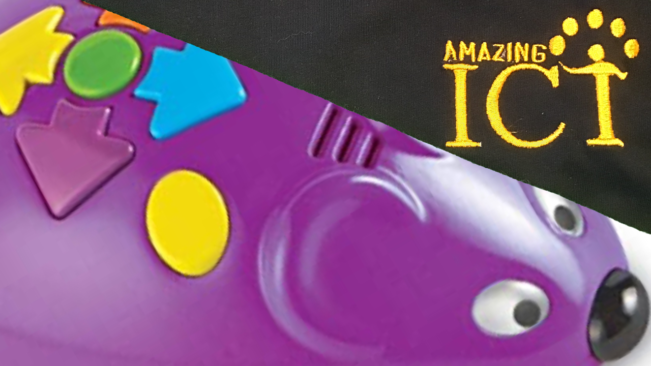
Robot Mouse
Programmable buttons on top of the device. Comes with coding cards for children to design programs.
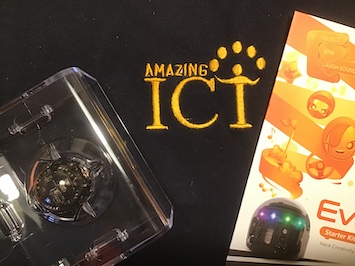
Ozobot
Pupils can code Ozobot robots in two ways - screen-free with pens (this is also great for mark making in EYFS) –on screens with blocks
E.A.R.L
Also allows ‘scratch like’ commands to be downloaded to the device (for older students)

Lego WeDo
The pupils can build their own robot then use the drag-and-drop block based coding to program it. Lego WeDo provides endless possibly for the pupils. Connects to tablets via Bluetooth
Ozobot EVO
With proximity and optical sensor. Can use Ozoblockly (Google's block-based coding) to download to the device. Can purchase a DIY Skins Pack to add characterisation to the Ozobots.
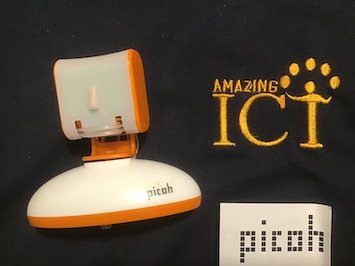
Picoh
Code the robot head by using 'Scratch-like' commands (block-based) and download to the device.
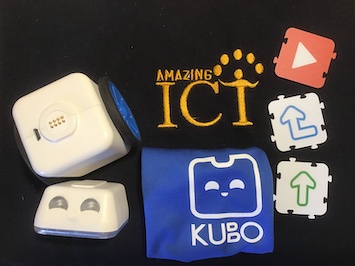
KUBO
Pupils use tags which they attach together and place on the mat. Kubo will then follow these commands.

Cody Rocky
Programmable robot that can be coded using mBlock, a block-based coding interface similar to Scratch. mBlock software also supports AI functionalities including image/voice recognition. The device also allows children to obtain data on the weather and make forecasts.
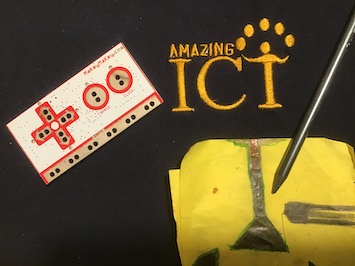
Makey Makey
An invention kit where you can craft and code. Links really well to Scratch to allow the user to control the program created. 1000s of projects and lesson plans on the main website.
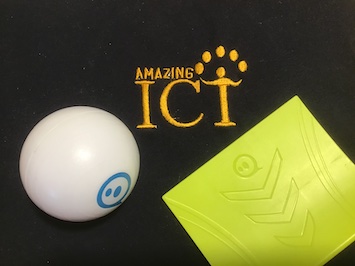
Sphero
Programmable ball. You can use free hand to move the ball around a set course and then move on to programming it. Great for STEM projects where the pupils can build their own courses to program the sphero around.
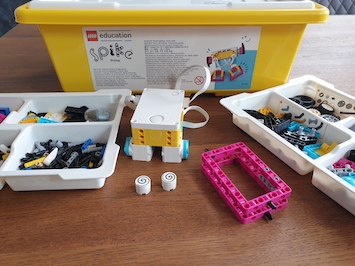
Lego Education Spike Prime Kit
Combining colourful LEGO building elements, easy-to-use hardware, and an intuitive drag-and-drop coding language based on Scratch, SPIKE Prime continuously engages students through playful learning activities to think critically and solve complex problems.
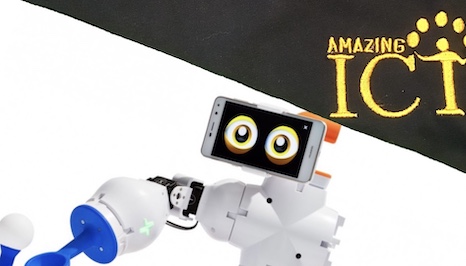
Fable
Assemble the parts to create a robot. Uses blockly (block-based) coding platform. Wireless programming and rechargeable batteries.
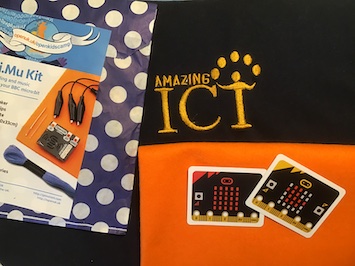
Micro:bit
See our Micro:bit page for more information on this workshop and download our progression document from the resources page.

Crumbles
Look out for our upcoming crumble page for a range of resources to support the use of crumbles in the classroom
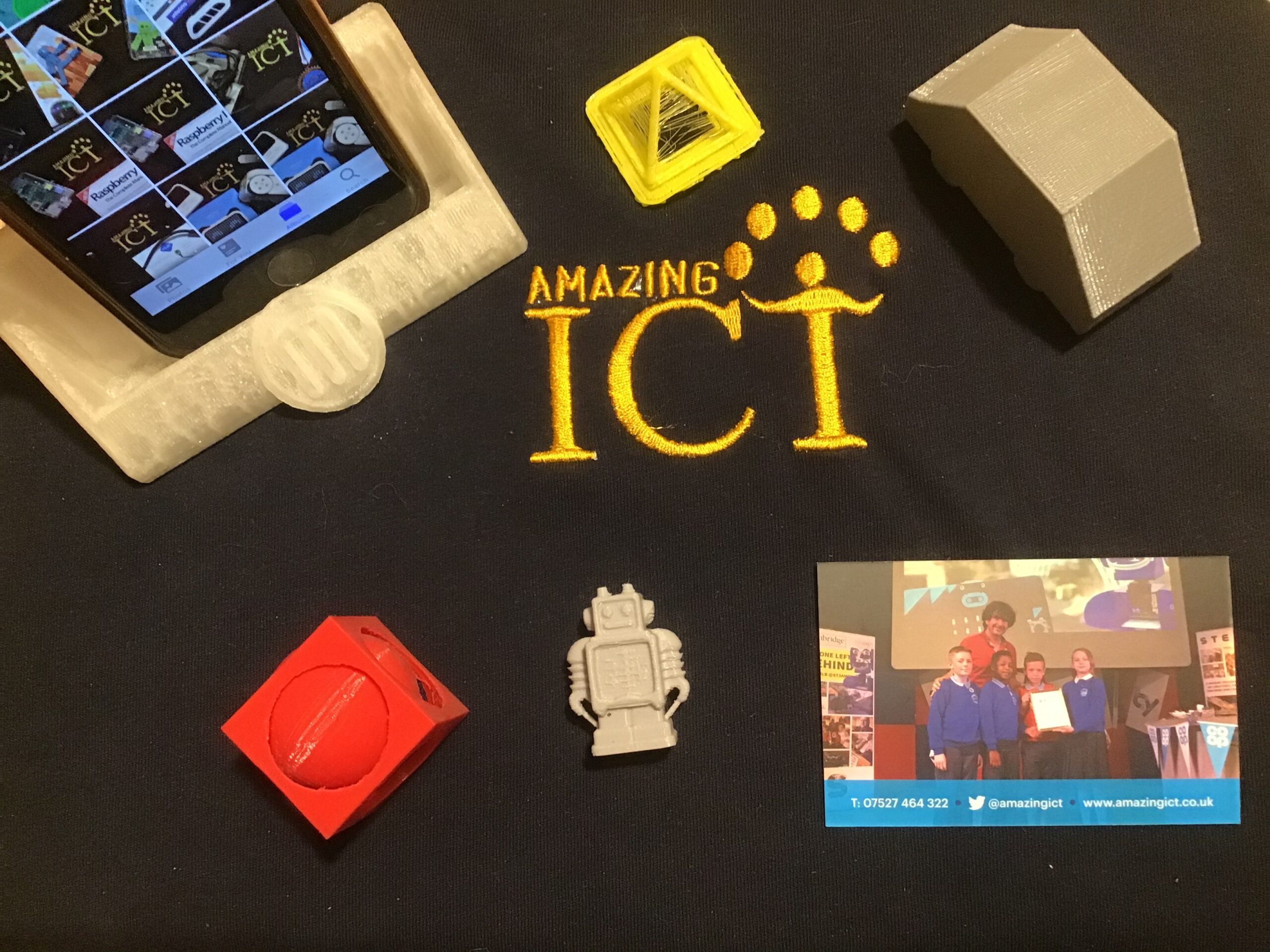
3D Printers
A small fee is added to the workshop to print designs. Check out our 3D page for more information.